
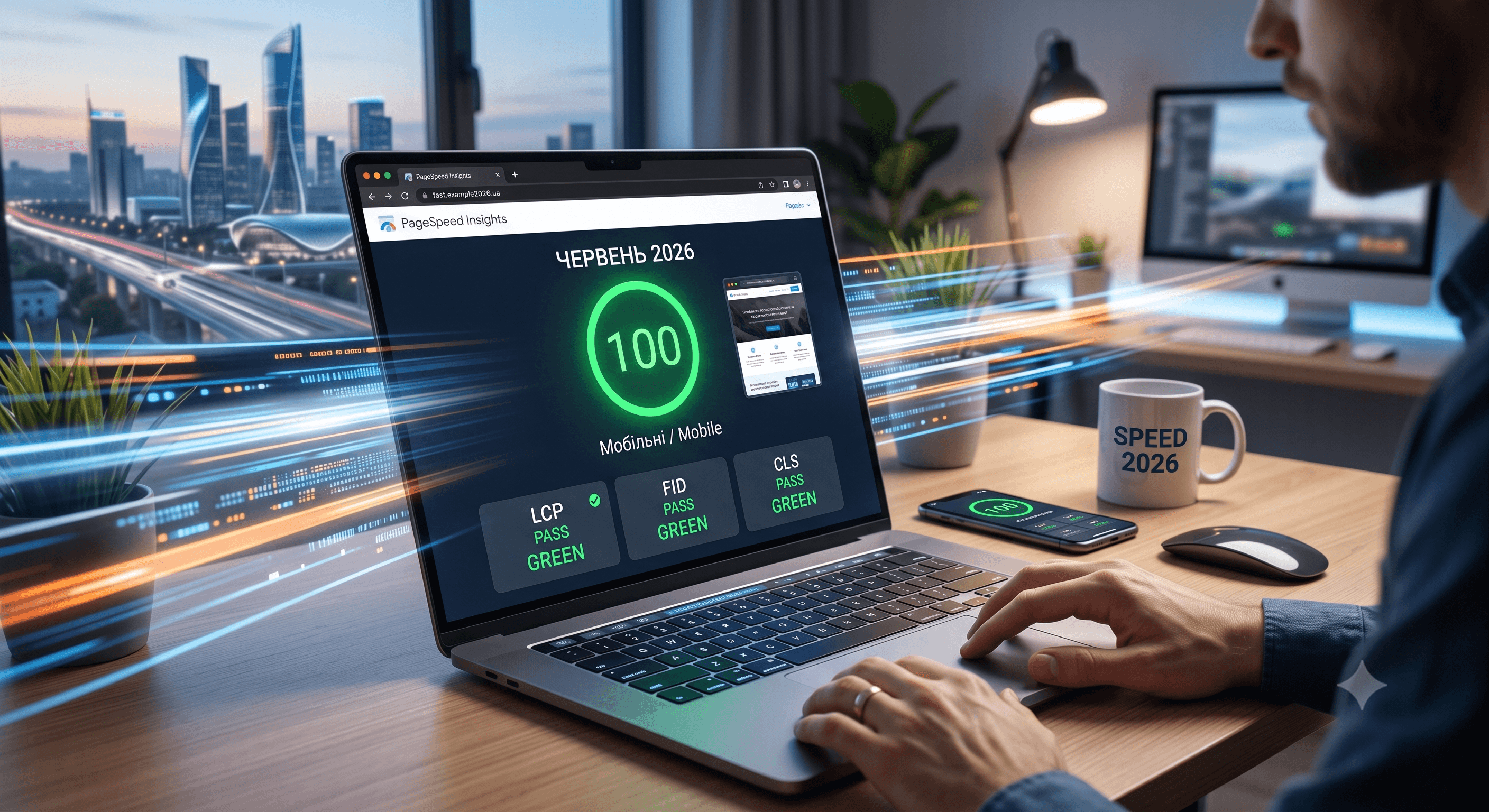
Site loading speed has long ceased to be just a technical metric. In 2026, it is a critical Google ranking factor (Core Web Vitals) and a major component of user experience (UX). Research shows that a load delay of just 1 second can reduce mobile conversions by 20%.
If your site loads slowly, customers will simply close it and go to competitors. In this article, we will analyze in detail how to optimize your resource and get the desired 100 points in Google PageSpeed Insights.
Why is site speed critical to your business?
Site speed has a direct impact on two main metrics of online success:
- SEO Optimization (Search Visibility): Google uses speed metrics as part of its ranking algorithm. Slow sites are pessimistic in search results.
- Conversion and rejections (Bounce Rate): The faster the page loads, the greater the chance that the user will perform the intended action (buy a product, order a service, fill out a form).
1. Working with Core Web Vitals: Three main metrics
Google evaluates site speed based on three key parameters. It is they that need to be optimized first of all:
- LCP (Largest Contentful Paint) - Render Speed: Shows the time it takes for the largest visible element on the screen (usually a banner or header) to load. A good indicator is up to 2.5 seconds.
- INP (Interaction to Next Paint) - Interface Responsiveness: New metric that replaced FID in 2024. It measures the delay time of the interface reaction to user clicks. A good indicator is up to 200 milliseconds.
- CLS (Cumulative Layout Shift) - Visual Stability: Measures sudden shifts of elements on the page during loading. If the text "jumps" because the image is loaded, the CLS will be high. A good indicator is up to 0.1.
2. Key speed optimization techniques
To achieve maximum PageSpeed Insights scores, our SiteNest team uses the following advanced approaches:
Image optimization
Images usually take up to 70% of the weight of the page.
- Conversion to modern formats: Always use WebP or AVIF instead of old PNG and JPEG. They weigh 30-50% less with the same quality.
- Responsive Images: Don't upload a 4000x3000px image for a 400x300px block. Use
srcsetor the Next.js Image component for automatic resizing. - Lazy Loading: Load images only when the user scrolls to them.
Code minification and compression
- Brotli / Gzip Compression: Make sure your server compresses text resources (HTML, CSS, JS) before sending to the client. Brotli compresses 15-20% more efficiently than Gzip.
- Removal of unused code: Modern frameworks (such as Next.js) automatically split the code into parts (Code Splitting), loading only what is necessary for a specific page.
Font optimization
Fonts often block the display of text.
- Use modern WOFF2 font formats.
- Apply the `font-display: swap' CSS property to display the text in the system font while the custom font is loaded.
Conclusion
Optimizing site speed is not a one-time activity, but an ongoing process of quality control. Using modern development stacks (like Next.js 15), proper caching setup and server optimization allow you to create lightning-fast sites that easily get 100/100 in Google PageSpeed.
If you want to test the speed of your site or conduct a full technical SEO audit, contact our team SiteNest Agency. We create sites that load instantly and bring stable income!